Stream, Browse and DJ
from your Smartwatch
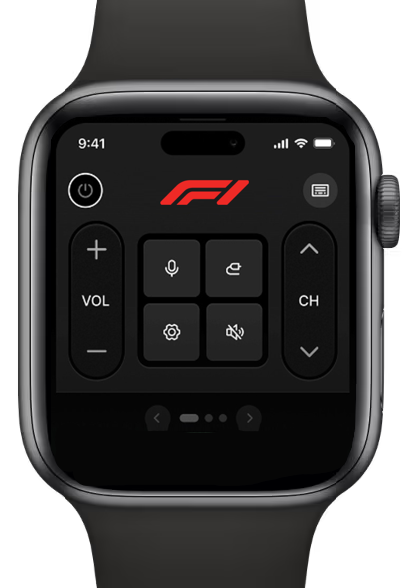
WatchRemote.app transforms your smartwatch into a powerful remote for streaming and browsing your favorite content. Control videos, music, playlists, and live events seamlessly on any connected screen right from your wrist.
Play, pause, queue tracks, and even manage DJ sessions in real time. With instant synchronization across TVs, consoles, and infotainment systems, WatchRemote.app lets you bring the party or stream anywhere you are.
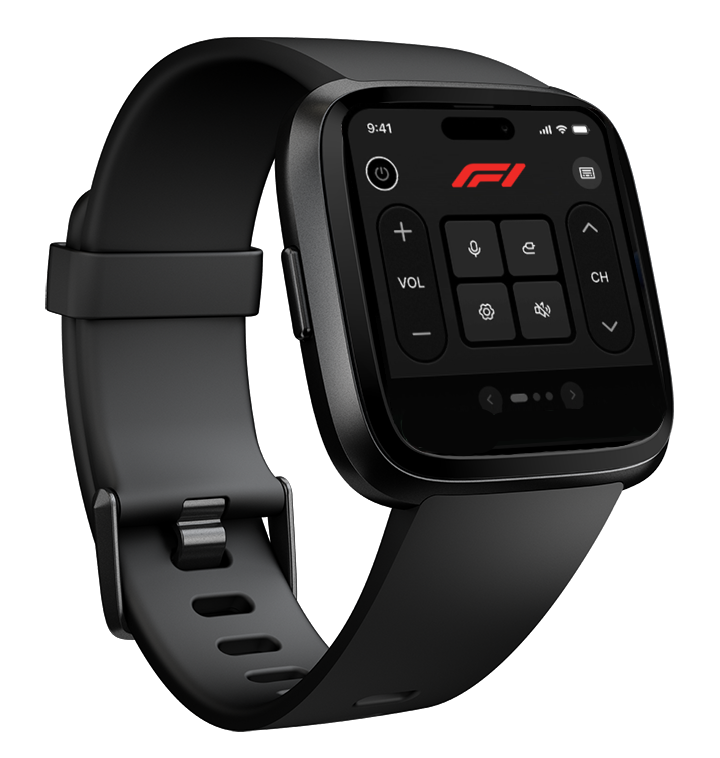
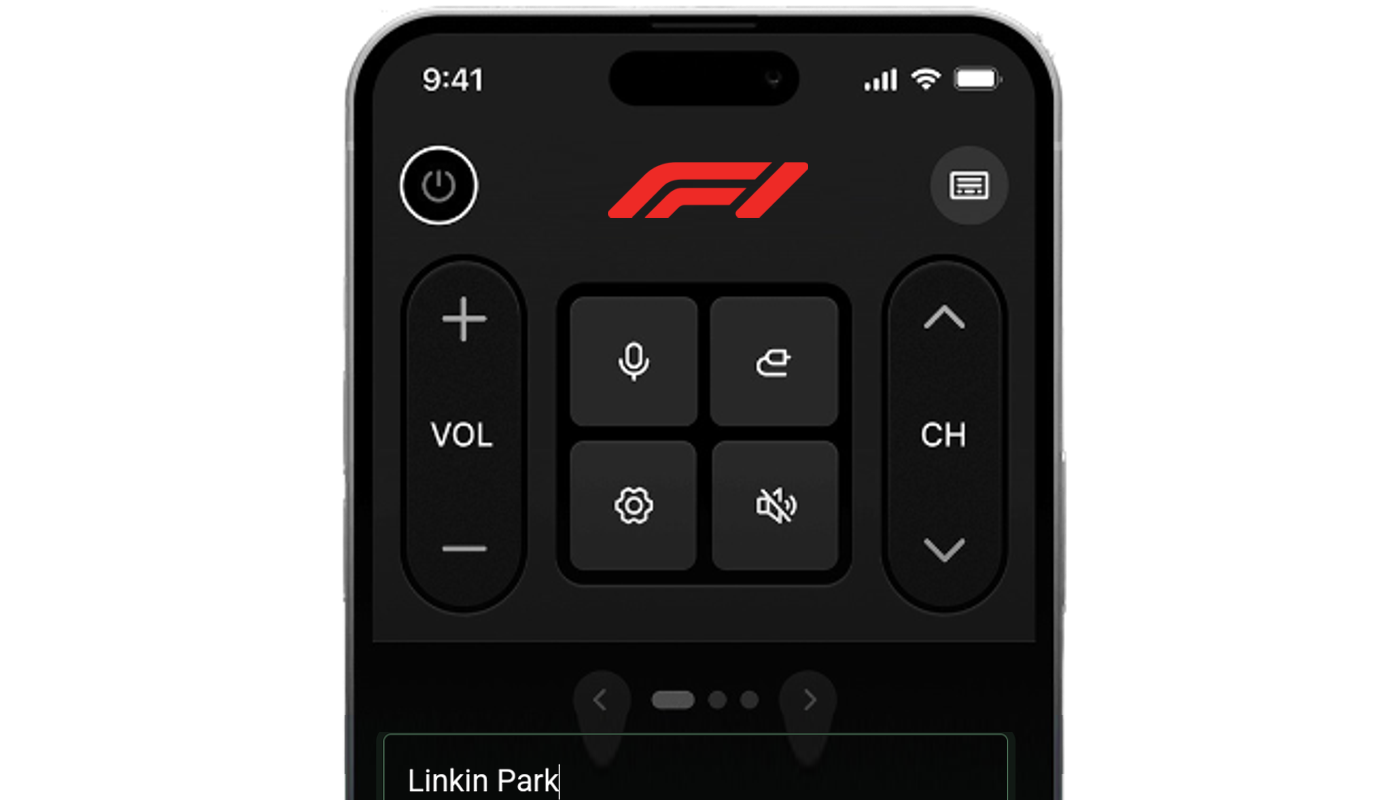
Includes app for Android and iOS
WatchRemote.app includes a powerful companion app for Android and iOS, giving you the same control features as your smartwatch.
-
Switch seamlessly between smartwatch and smartphone control without missing a beat.
-
Access your favorite playlists, stream content, and adjust settings instantly through the companion app.
How it Works
WatchRemote.app connects your smartwatch or phone to any compatible screen instantly. Just open a unique URL on your TV, console, or infotainment system, and your smartwatch becomes a fully functional remote without any complicated setup.
-
Use your smartwatch or phone to control video, music, and playlists in real time.
-
Stream, browse, and sync playback seamlessly across multiple devices and locations.
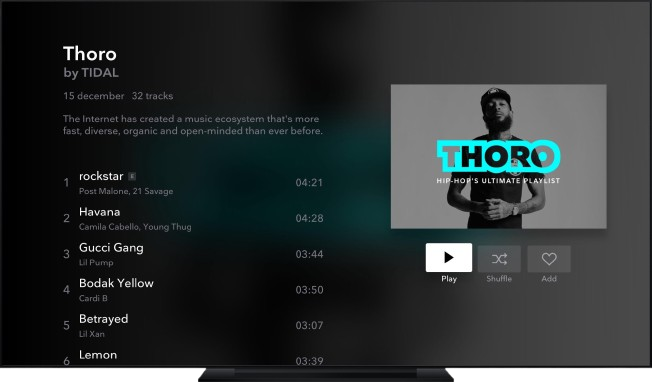
A Smartwatch Remote?
WatchRemote.app turns your smartwatch into the ultimate universal remote for streaming, browsing, and controlling your entertainment.
Universal Media Control
Play, pause, skip, and queue content across TVs, consoles, and infotainment systems—straight from your wrist.
Live Synchronized Streaming
Host live watch parties and share sessions with friends in perfect sync anywhere.
Custom Remote Marketplace
Create and install personalized remotes with custom skins and playlists, or browse designs from other users.
Cross-Device Flexibility
Switch instantly between smartwatch and smartphone control using the companion app.
AI-Powered Recommendations
Get smart suggestions for playlists, videos, and live events based on your tastes.
Secure Cloud Sync
Your remotes and playlists stay synced and ready across devices through our secure platform.
Download and install custom brand remotes
Explore a growing marketplace of custom-designed smartwatch remotes. Choose from user-created skins, layouts, and playlists tailored to your favorite content and experiences.
Download and install your preferred remotes directly to your smartwatch or companion app, unlocking instant control over streaming, browsing, and DJing from your wrist.
65m
Custom remotes
downloaded globally
93%
Users personalize
their remotes
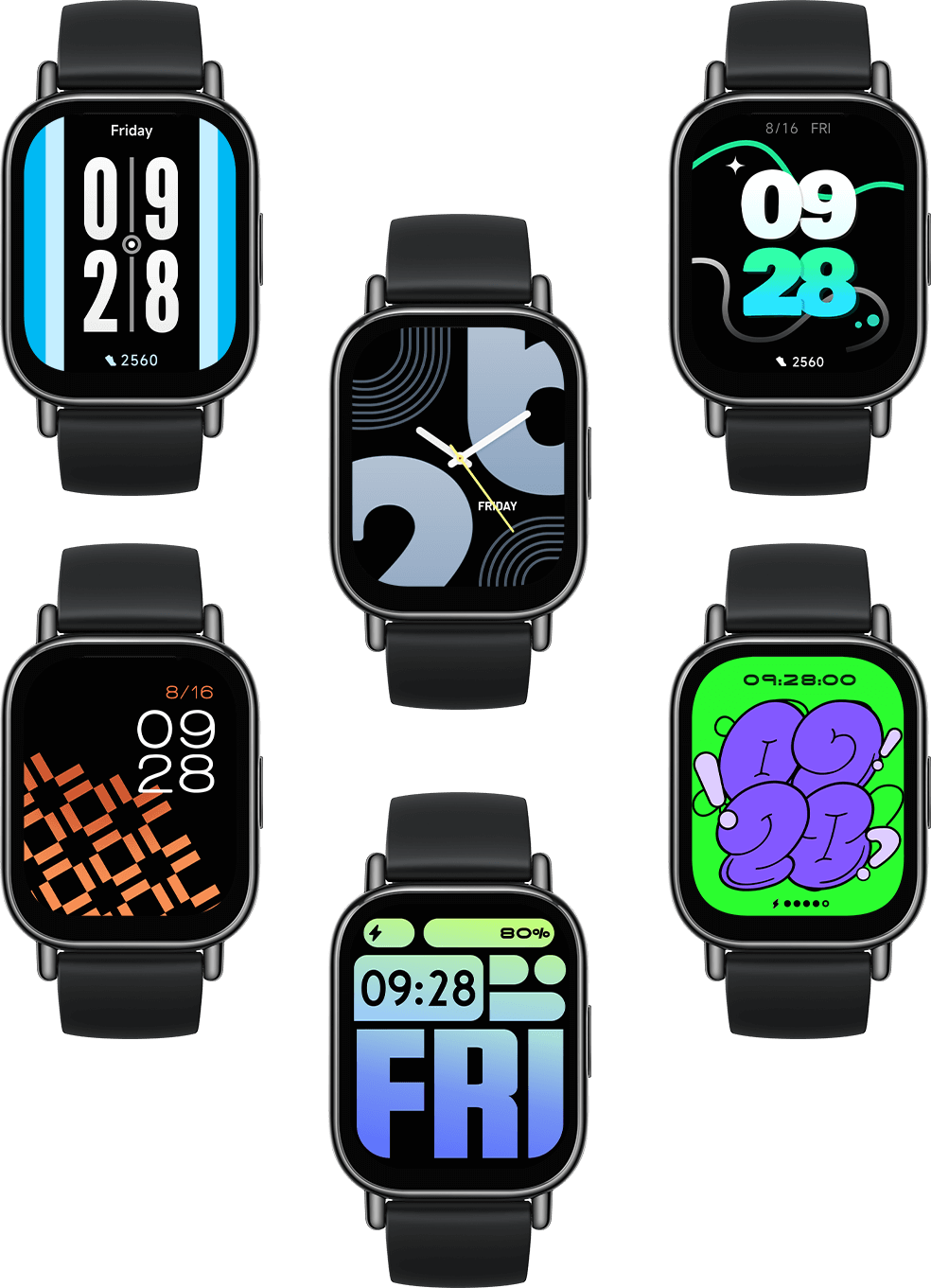
Program using AI Assistant
The built-in AI Assistant makes programming your WatchRemote effortless. Simply tell it what you want to play—podcasts, YouTube videos, playlists, live streams, or MP3s—and it will curate and load the content directly into your custom remote. Whether you’re building a channel for your home, car, or event, the AI Assistant saves you time and keeps your media organized and ready to broadcast.
Program using cloud studio
-
Use the built-in cloud studio to manually program your playlists, control media queues, and customize remote layouts with ease directly from your browser.
-
Create custom schedules, manage multiple connected devices, and update your remotes in real time—all synchronized through WatchRemote.app’s secure platform.
Questions? Look Here.
Some questions about Watch Remote are asked frequently. We've answered the most frequent of those frequent questions below
-
How do I get started with WatchRemote?
Simply download the WatchRemote app to your smartwatch or phone, open the pairing URL on your TV, console, or infotainment screen, and start controlling your media instantly. No complicated setup or extra hardware required.
-
Can I import and broadcast podcasts?
Yes! Upload your favorite podcasts or share their RSS feeds, and WatchRemote will broadcast them in perfect sync across all your connected devices.
-
Does WatchRemote support YouTube videos and playlists?
Absolutely. Paste a YouTube link or playlist URL, and the AI Assistant will queue it up in your remote for instant streaming and sharing.
-
Can I use my own media library?
Yes, WatchRemote supports direct streaming from your own server, MP3 collections, iTunes library, and even the Internet Archive. Your media, your way.
-
What if I don’t have content ready?
Just ask the AI Assistant to build a channel for you. It can curate playlists, find podcasts, or queue live streams based on your interests, so you can start broadcasting instantly.
Can’t find the answer to your question?
Contact us and we’ll get back to you as soon as we can.